







Multiplayer Browser Games: Play With Friends Online For Free
We tested co-op, .io, and local 2-player browser games on KomliGames. Play with friends for free — no download, no sign-up required.

Last Updated: March 2026 | By KomliGames Team
You can play multiplayer browser games with friends right now — no downloads, no accounts. KomliGames offers local 2-player, real-time .io, and online competitive games that all run in your browser.
Types of Multiplayer Browser Games
Not all multiplayer is the same. Here is how the different types break down:
| Type | How It Works | Best For | Example |
|---|---|---|---|
| Local 2-Player | Two players share one keyboard | Same-room friends | Stick Duel Medieval Wars |
| Real-Time .IO | Compete on shared servers | Quick competitive matches | GrowWars.io |
| Online Arena | Join lobbies or matchmake | Structured competition | Stick Arena Stickmen |
| Async Multiplayer | Take turns or compare scores | Casual competition | Quiz Runner.io |
Best Multiplayer Games on KomliGames
For Local 2-Player
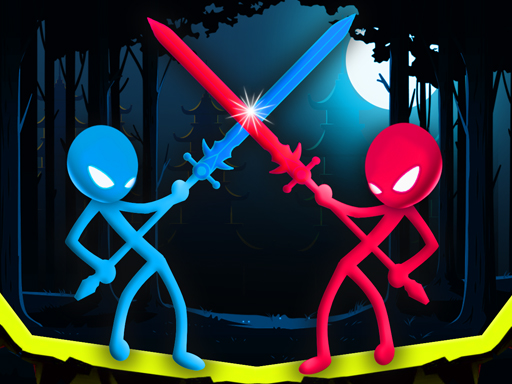
When you and a friend are sitting next to each other, nothing beats Stick Duel Medieval Wars. One player uses WASD, the other uses arrow keys, and you duel with medieval weapons. We tested this extensively and the weapon balance is surprisingly fair — every match feels winnable.
For Competitive .IO Play
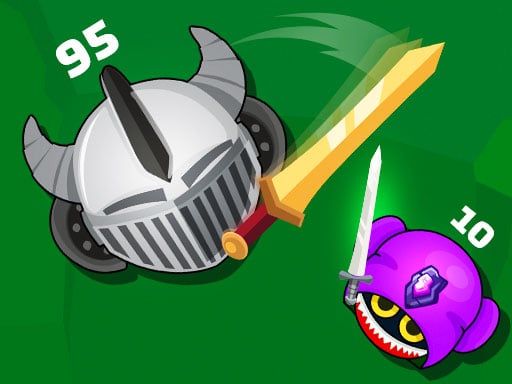
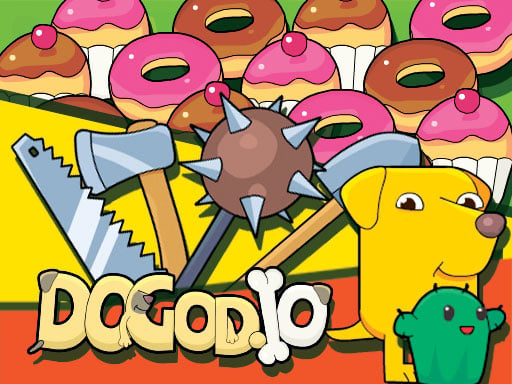
GrowWars.io is our top pick for .io multiplayer. Territory control, real opponents, and matches that escalate quickly. Dogod.io and Space.io are also excellent if you want more variety in combat styles.
For Team Play
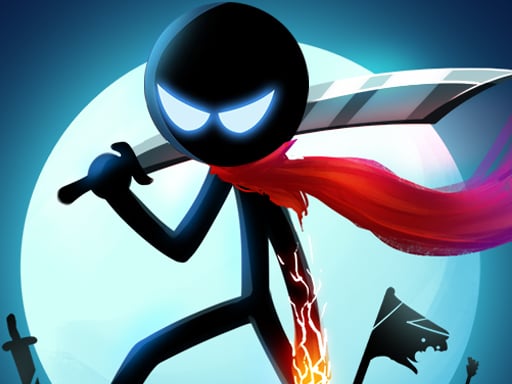
Stickman Epic Battle lets you build armies and command them, which scratches the strategic multiplayer itch. Meanwhile, Snake War Multiplayer is great for chaotic group sessions where everyone is trying to grow the biggest snake.
How to Play with Friends
Local Multiplayer
- Open a local 2-player game like Stick Duel Medieval Wars.
- Player 1 uses one set of controls (usually WASD + action keys).
- Player 2 uses the other set (usually arrow keys + action keys).
- Both play on the same screen, same keyboard.
Online .IO Games
- Open the same .io game on both devices.
- You will be placed on a shared server with other players.
- To find each other, coordinate your in-game names and look for each other on the map.
- Some games show a server code or region you can share.
What Makes a Good Multiplayer Browser Game
After testing dozens of titles, our team identified the key traits:
- Low latency. The game should feel responsive even on average connections.
- Fair matchmaking. New players should not get stomped by veterans every round.
- Quick rounds. Nobody wants to commit 30 minutes to a browser game.
- Clear feedback. You should always know if you are winning or losing.
Frequently Asked Questions
Can I play browser games with friends?
Yes. KomliGames has local 2-player games for same-device play and .io games where you join shared servers with anyone.
Do multiplayer browser games need a download?
No. Everything runs in your browser — Chrome, Firefox, Safari, or Edge. No installs needed.
What is the best 2-player browser game?
Stick Duel Medieval Wars is our top recommendation for local 2-player sessions.
Are .IO games multiplayer?
Most .io games are real-time multiplayer with shared servers. You compete against real players from around the world.
Do I need an account to play multiplayer?
No. KomliGames does not require accounts or sign-ups for any game, including multiplayer titles.
Explore Multiplayer Games
Browse all multiplayer games or check the multiplayer tag on KomliGames. For same-device fun, look for games tagged 2-player games.